Česká republika
  Deutschland
  Österreich
  United Kingdom
  Suomi
Suomi  France
  Magyarország
  Italia
  Polska
  România
  Україна
  Europe


Free returns – RMA
If your purchase doesn't hit the mark - for example, you picked the wrong size, you can easily make a quick and free return at MILITARY.EU!
How to request a return?
Before you begin:- Returns and withdrawals from contracts are handled through the Returns & Complaints Zone — you can access it directly or via the Returns & Complaints tab in your customer account.
- You have 30 days to return your order after receiving it.
- Read our cancellation and returns policy, including the list of products excluded from the right of withdrawal.
- You can check the status of your return in RMA.
- You can combine several returns from different orders into one package. In order to do this, start the return for the first order in RMA and select the free return option. For the next order, select the “Return at your own expense” option and include both return numbers in the package.
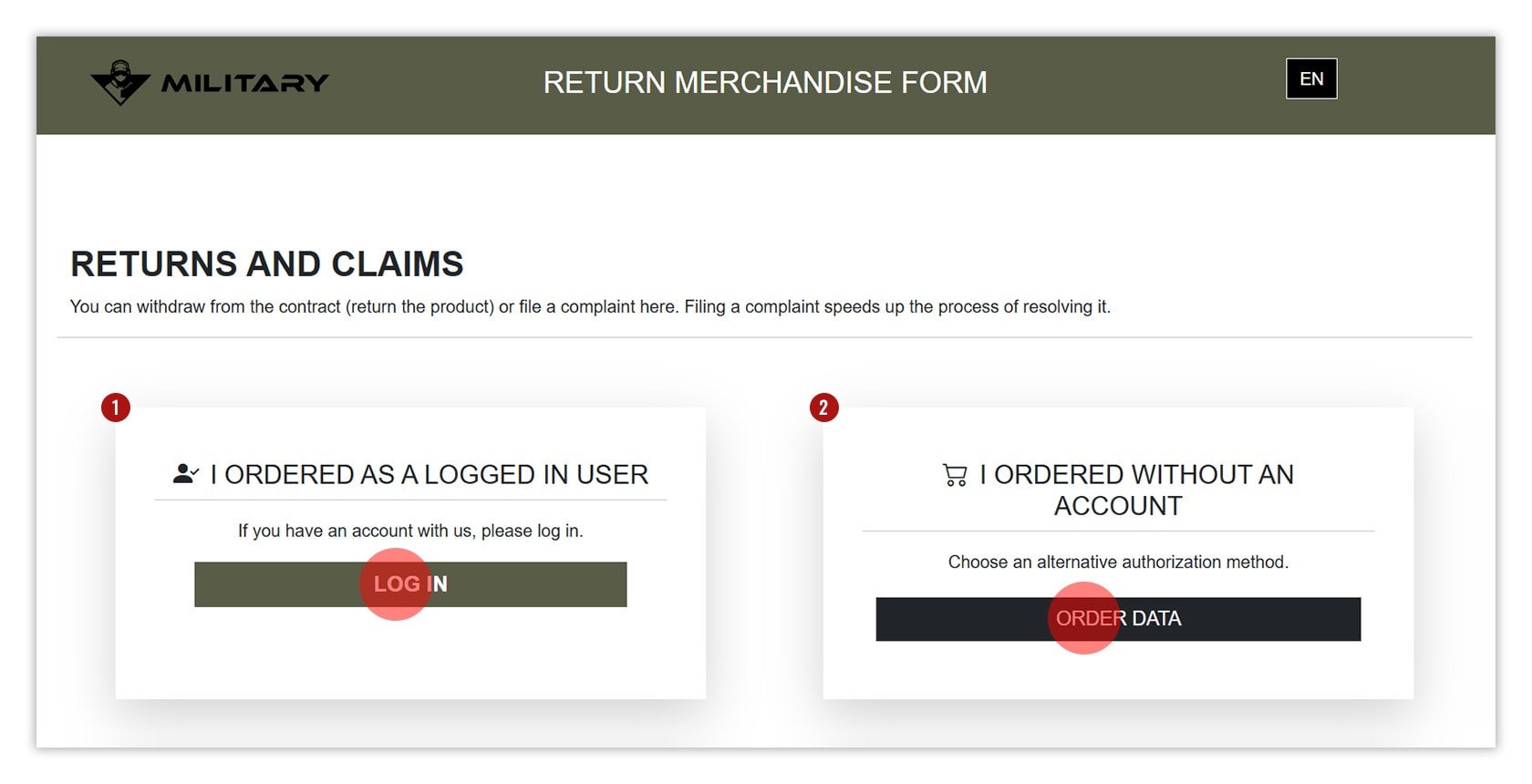
- Go to RETURNS & COMPLAINTS ZONE → and log in to your account or enter your order number if you placed the order without logging in. You can also access the Zone directly via My Account → Returns & Complaints.
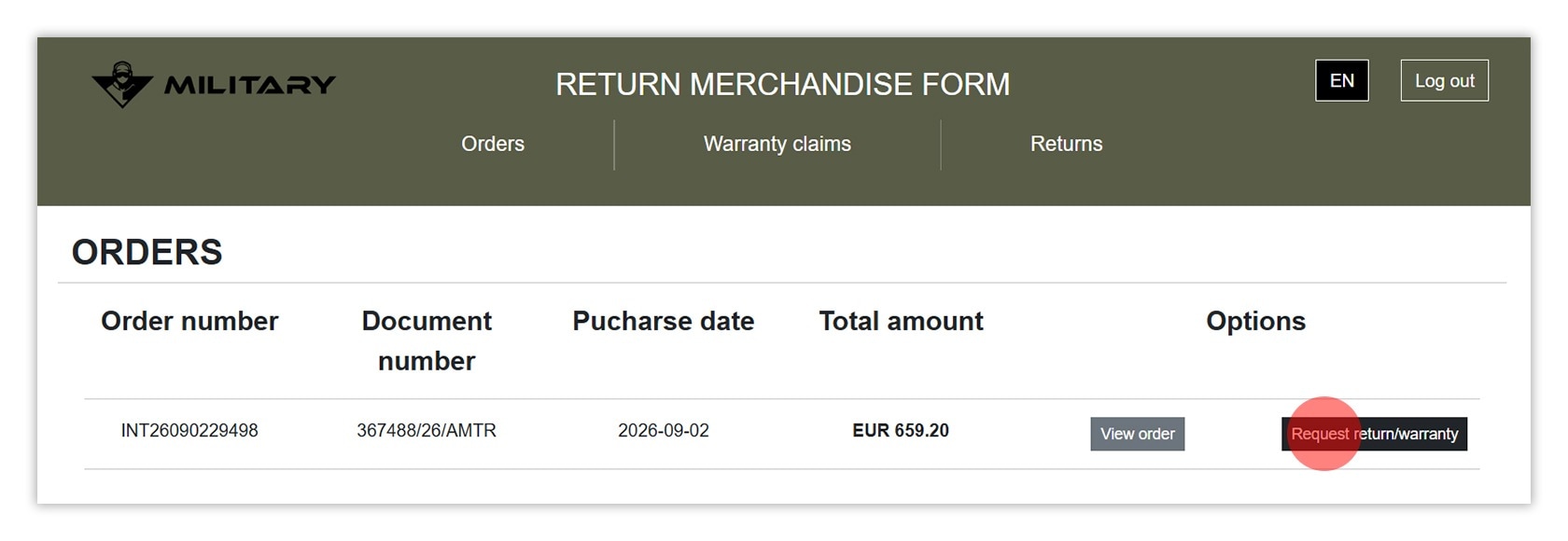
2. Select an order from the order history
- Find the correct order and click RETURN/COMPLAINT.
- Pack the goods - you can use the original packaging or another box. Secure fragile items, include the return number generated in the RMA, and attach the printed label.
1. Go to RMA
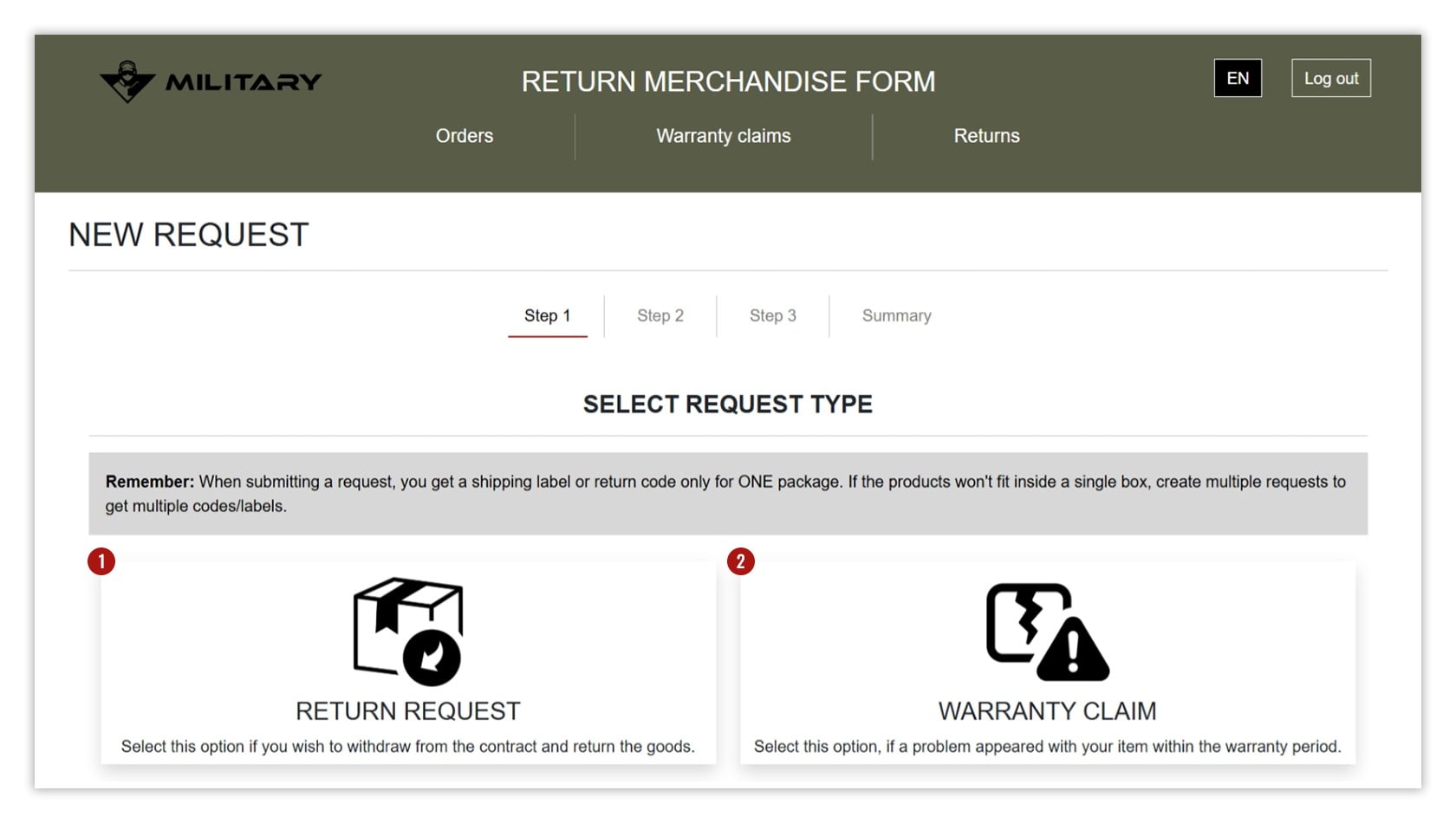
3. Select RETURN or COMPLAINT as the type of case
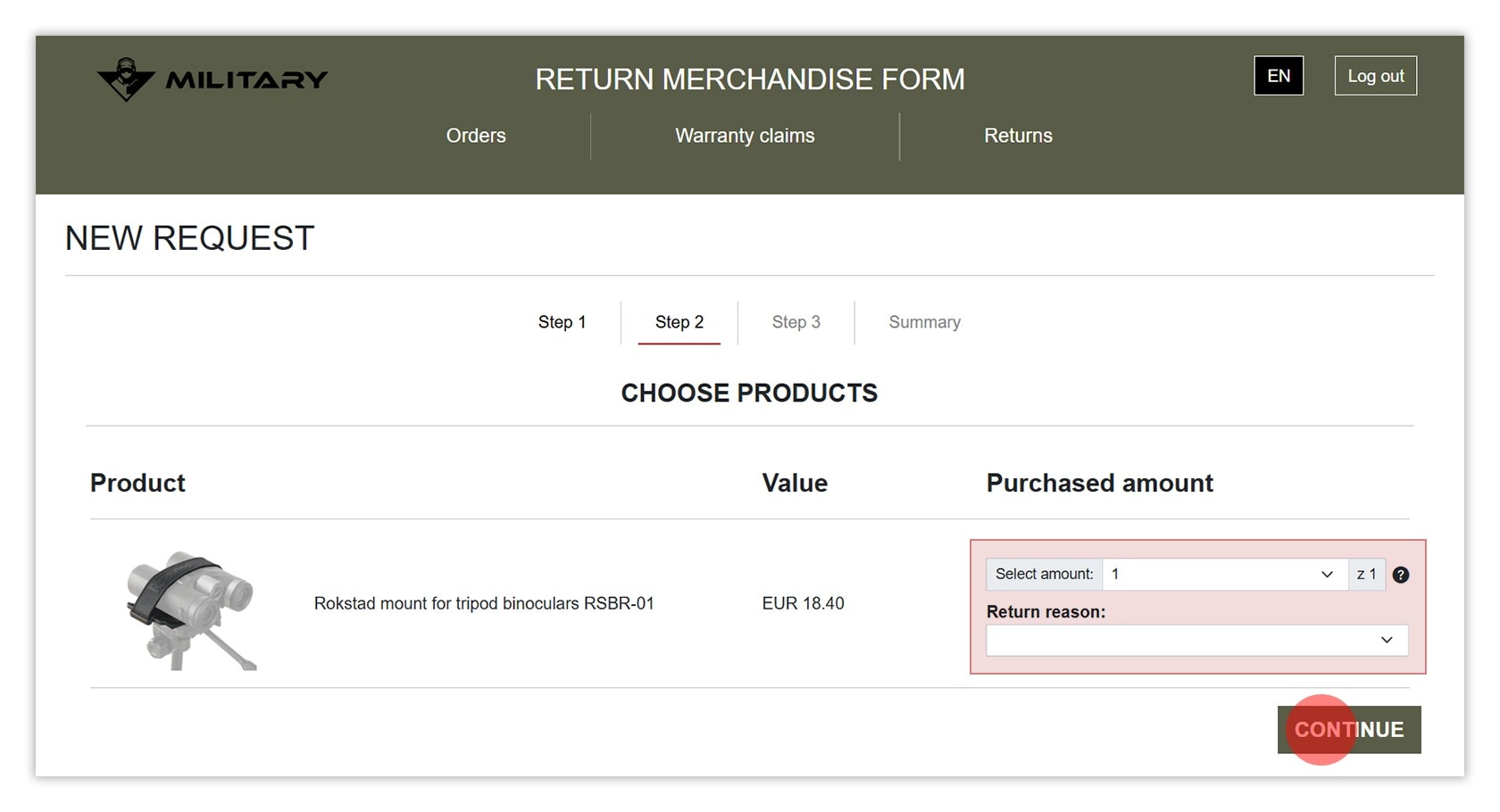
4. Select the product and reason for return
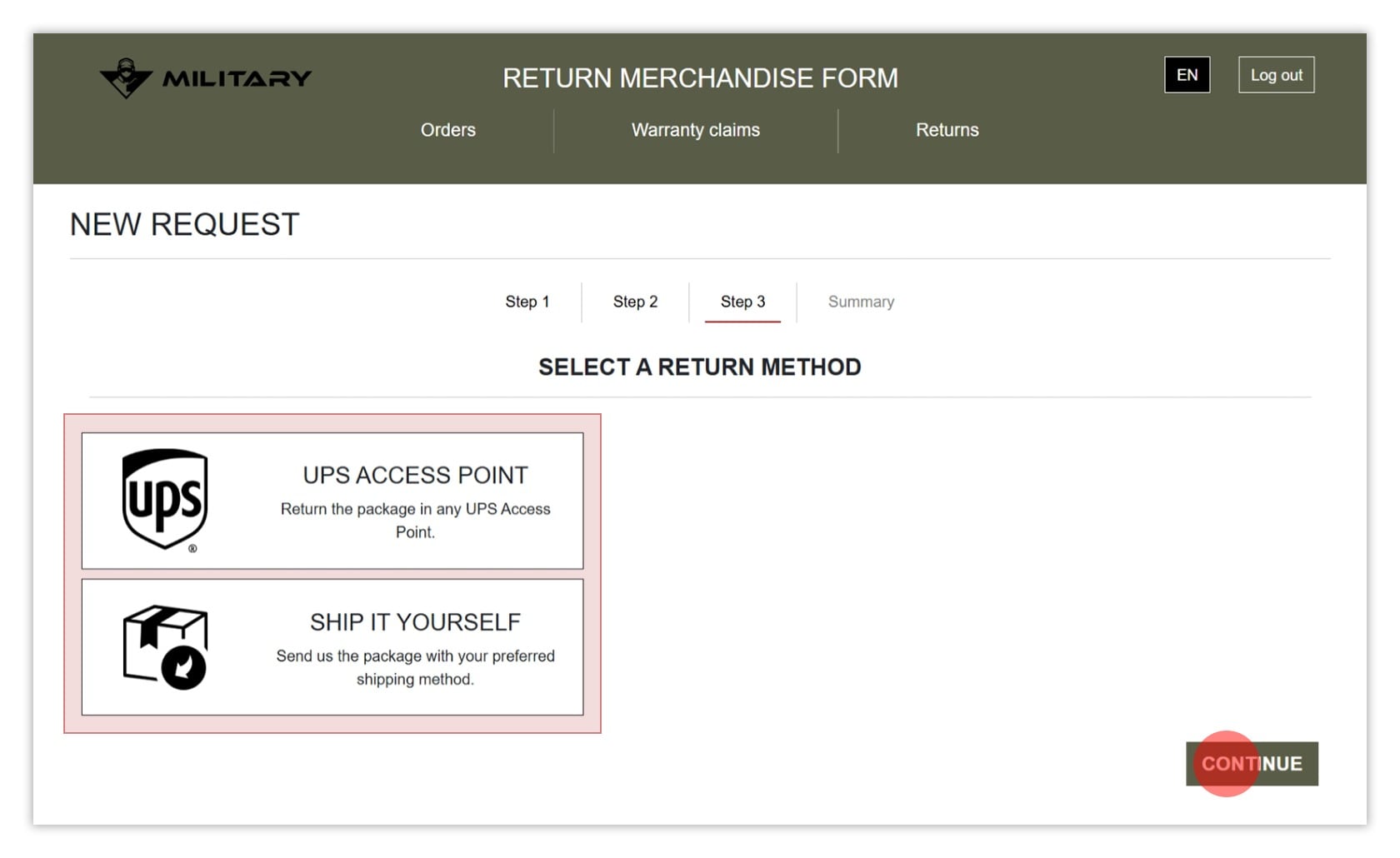
5. Select the return shipping method